What determines mobile app development cost
Every mobile app estimate comes down to four variables multiplying against each other: how complex the feature set is, which platforms you target, how much backend infrastructure you need to build from scratch versus reuse, and who builds it. Two apps with an identical feature list can cost twice as much if one needs a custom backend and the other can run on an existing service.
Before pricing anything, most serious estimates start with a scoping exercise: what does the app need to do on day one, what can wait for version two, and what data does it need to own versus borrow from a third party. This is the same discovery work covered under mobile app development services, and skipping it is the single most common reason estimates blow past their original number. A short mobile app consulting engagement before you commit a budget is usually cheaper than the rework that follows an unscoped build.
The rest of this guide breaks the estimate into its real components: complexity tier, platform choice, feature-by-feature cost, team model, a worked calculation you can adapt, realistic timelines, and the costs that show up after launch and catch unprepared teams off guard.
Cost by app complexity
"Complexity" is not about how the app looks. It is about how much original engineering the feature set requires versus how much can be assembled from existing tools and libraries. Four tiers cover most real projects.
Typical mobile app cost by complexity tier (single platform, USD)
| Tier | What it typically includes | Typical cost range (USD) |
|---|---|---|
| Simple | Single core function, standard UI components, no custom backend (a form, a content feed, a basic booking flow using an existing API) | $15,000 to $35,000 |
| Mid-complexity | Multiple user roles, a custom backend and database, one or two third-party integrations (payments, maps, or push notifications) | $35,000 to $90,000 |
| Complex | Real-time features (chat, live tracking, or live matching), custom algorithms, multiple integrated systems, admin dashboards | $90,000 to $180,000 |
| Enterprise-grade | Regulatory compliance requirements, legacy system integration, high-availability infrastructure, multi-region deployment | $180,000 and upward |
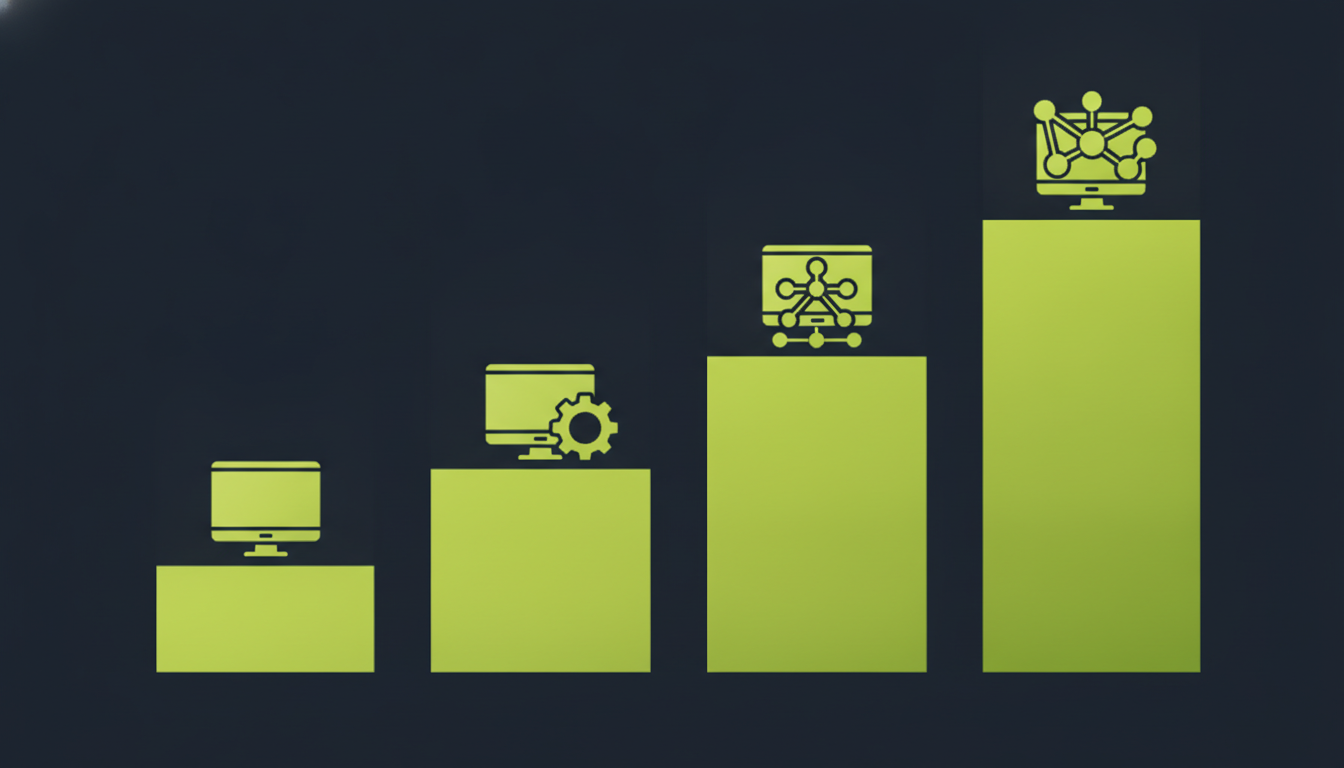
These ranges assume a single platform. Add a second native platform, and the mid-tier and complex tiers roughly add another 60 to 80 percent rather than doubling, because backend and design work is shared across both. A project that needs custom software development beyond the mobile client itself, a proprietary matching engine or a real-time pricing model, for example, should be scoped and estimated as its own line item rather than folded into the "app cost" number.
Native, cross-platform, or web app: the platform decision
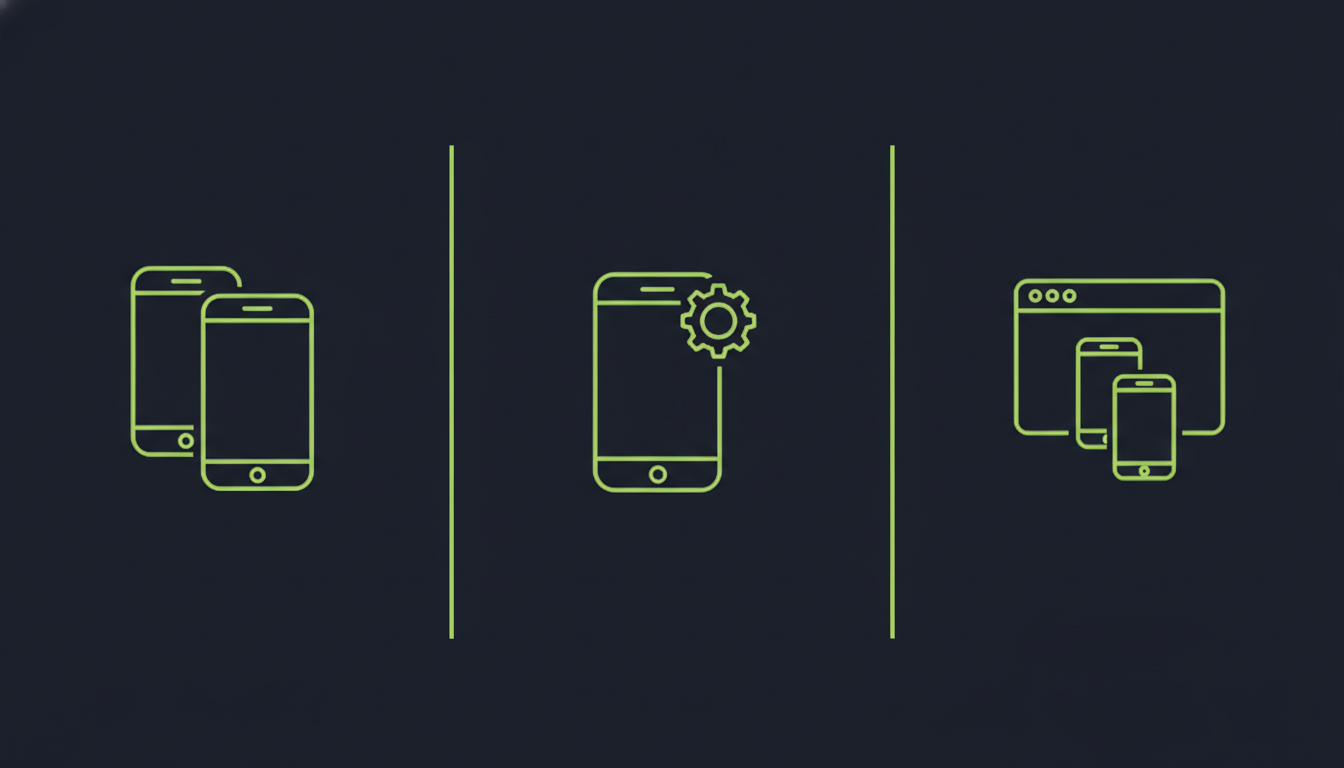
Before a single feature gets estimated, the platform decision changes the whole budget. There are three real options, not two.
Native: separate iOS and Android codebases
Building separately for iOS and Android means two codebases and two sets of platform-specific bugs, but full access to every device capability (biometrics, background processing, camera APIs) without waiting on a third-party framework to catch up. This is the right call when performance, offline reliability, or a niche hardware API matters more than launch speed.
Cross-platform: one codebase, both platforms
Frameworks built with React Native or similar toolkits share the majority of business logic and UI code between iOS and Android, which typically cuts total build cost by 30 to 50 percent compared with two separate native builds. The tradeoff is occasional friction with platform-specific features and a dependency on the framework's own update cycle.
Web app or progressive web app
A progressive web app needs no app store approval, no separate codebase per platform, and updates ship instantly without a review queue. This is the cheapest and fastest option, and it is the wrong choice the moment your product needs push notifications that work reliably in the background, offline-first behavior, or a presence in the App Store or Play Store for discovery.
There is no universally "correct" answer here. A B2B internal tool with a small, known user base is often better served by a web app than a native one. A consumer app competing on daily engagement almost always needs a real app store presence.
What each feature actually costs
Generic per-app pricing hides the real driver: individual features add cost independently of the app's overall "type." A rough per-feature range, assuming a mid-complexity app as the baseline:
Typical added cost per feature (USD), assuming a mid-complexity baseline app
| Feature | Typical added cost (USD) | What drives the range |
|---|---|---|
| User authentication (email, social login) | $2,000 to $6,000 | Number of login providers, whether you need multi-factor authentication |
| Payment processing | $4,000 to $12,000 | Number of payment methods, subscription billing, regional compliance (PCI DSS scope) |
| Real-time chat or messaging | $6,000 to $15,000 | Group chat, media attachments, message history sync across devices |
| Maps and location tracking | $3,000 to $9,000 | Live tracking versus static maps, background location permissions |
| Push notifications | $1,500 to $4,000 | Basic broadcast versus segmented, behavior-triggered campaigns |
| AI-powered features (recommendations, chat assistants, search) | $8,000 to $30,000+ | Whether you use a hosted model API or need custom fine-tuning |
| Offline mode with sync | $5,000 to $14,000 | Conflict resolution complexity, how much data needs to work offline |
Payment processing deserves its own note: the cost swings enormously depending on whether you are integrating an existing processor's SDK (cheap and fast) or building anything resembling a payment gateway yourself (expensive and heavily regulated). Our cost breakdown for building a payment gateway covers that distinction in more depth if fintech features are part of your scope.
AI features carry the widest range in the table above because the underlying engineering choice matters more than the feature description. Calling a hosted model API for a simple recommendation feature sits at the low end; fine-tuning a model on your own data or running custom inference infrastructure pushes toward the high end and beyond. Our breakdown of what it costs to hire AI developers covers that engineering decision in more depth.
Design cost is often underestimated separately from these feature costs. A feature list can be technically simple and still need substantial UI/UX design work if the interaction patterns are unfamiliar to users, onboarding a new financial concept or a multi-step booking flow, for example. Budget design as its own line, not as a rounding error inside "development."
How industry changes the estimate
The same feature list costs different amounts depending on the industry it serves, because industry drives two things that are easy to underestimate: compliance requirements and integration depth with systems you do not control.
How industry context adds cost beyond the base feature set
| Industry | What typically adds cost beyond the base feature set |
|---|---|
| Healthcare | HIPAA-aware data handling, audit logging, and integration with existing electronic health record systems that were rarely designed with a mobile client in mind |
| Financial services | PCI DSS scope for anything touching card data, fraud and identity checks, and often a longer security review cycle before launch |
| eCommerce and retail | Inventory sync with an existing platform, checkout and cart logic that must never lose a transaction mid-flow, and peak-load performance testing |
| Logistics and on-demand services | Real-time location tracking at scale, dispatch logic, and reliability requirements because downtime directly stops revenue-generating trips or deliveries |
A fintech app and a healthcare app with an identical screen count and feature list rarely cost the same amount to build, because the compliance and integration work sits underneath the UI, invisible in a feature list but very visible in the hours it takes. If your project touches regulated data, budget a compliance review as its own line item rather than assuming it is absorbed into general development time.
Development team models and their cost structure
Who builds the app changes the number as much as what you are building. Four models cover most real engagements.
In-house team
Full control and institutional knowledge that stays with the company, at the cost of full-time salaries, benefits, and the time it takes to hire and onboard specialists you may only need for one project cycle. This model earns its cost when mobile is a permanent, ongoing part of the product, not a one-time build.
Freelancers
The lowest headline hourly rate, and the highest coordination risk. Useful for a narrow, well-defined task with a specific specialist skill; risky as the sole team for a multi-month build with several moving parts and no single point of accountability.
Dedicated development team
Working with hired mobile app developers gives you a team that works under your direction and roadmap without carrying the overhead of full-time employment. This is a middle ground: more accountability and continuity than freelancers, more flexibility than in-house hiring.
Outsourced agency
An outsourced vendor, including an offshore development team, takes ownership of delivery against a defined scope, which shifts project-management overhead onto them and typically reduces blended hourly rates significantly compared with hiring the same skill set domestically. The tradeoff is less day-to-day control and a real dependency on how clearly the scope was defined up front. Our guide to hiring React developers covers the same evaluation questions that apply to vetting any external team, not just React specialists.
Blended hourly rates vary by region far more than by which of these four models you choose. A team based in North America or Western Europe typically bills $60 to $150 an hour blended across roles; a team based in South or Southeast Asia or Eastern Europe typically bills $25 to $60 an hour for comparable skill levels. Neither figure tells you about quality on its own. It tells you what a given number of hours will cost, which is why the worked estimate below starts from hours, not from a headline day rate.
A worked cost estimate: building the model
Every credible estimate follows the same underlying formula, whether or not the person giving it says so out loud:
The formula behind every real estimate
Build estimate = sum of (role hours x hourly rate) + one-time external costs + contingency
The scope and effort worksheet below is the tool to run this calculation yourself. It has two parts: a blank template you fill in for your own project, and a filled example so you can see how the numbers actually connect.
Scope and effort worksheet (template)
Blank scope and effort worksheet template
| Role | Estimated hours | Hourly rate (USD) | Subtotal |
|---|---|---|---|
| Discovery and scoping | |||
| UI/UX design | |||
| iOS development | |||
| Android development | |||
| Backend and API development | |||
| QA and testing | |||
| Project management | |||
| DevOps and infrastructure setup | |||
| Subtotal (role hours x rate) | |||
| One-time external costs (licenses, third-party setup fees) | |||
| Contingency (typically 15 to 20 percent of subtotal) | |||
| Total build estimate |
Filled example: a mid-complexity on-demand booking app
This example assumes a two-sided booking app (customer app plus a lighter provider app), one platform to start (iOS), a custom backend, payment integration, and push notifications, built by an outsourced team at a blended offshore rate.
Filled scope and effort worksheet: mid-complexity on-demand booking app
| Role | Estimated hours | Hourly rate (USD) | Subtotal |
|---|---|---|---|
| Discovery and scoping | 40 | $75 | $3,000 |
| UI/UX design | 120 | $50 | $6,000 |
| iOS development (both apps) | 480 | $55 | $26,400 |
| Backend and API development | 320 | $60 | $19,200 |
| QA and testing | 140 | $40 | $5,600 |
| Project management | 100 | $55 | $5,500 |
| DevOps and infrastructure setup | 60 | $60 | $3,600 |
| Subtotal | 1,260 | $69,300 | |
| One-time external costs (payment processor setup, third-party map SDK license) | $2,200 | ||
| Contingency (18 percent of subtotal) | $12,474 | ||
| Total build estimate | $83,974 |
This lands inside the mid-complexity range from the earlier table, which is the point: the table gives you a sanity check, but the worksheet is what you actually defend to a stakeholder, because every number in it traces back to a role, an hour count, and a rate you can name.
How long it actually takes
Timeline and cost move together, but not in a straight line, because some phases happen in parallel and some cannot start until an earlier one finishes.
Typical mobile app development timeline by phase
| Phase | Typical duration | Can run in parallel with |
|---|---|---|
| Discovery and scoping | 1 to 2 weeks | Nothing before it; everything downstream depends on this |
| UI/UX design | 3 to 6 weeks | Backend architecture planning |
| Development (build) | 8 to 20 weeks depending on complexity | QA test-case preparation |
| QA and testing | 3 to 6 weeks, overlapping the last third of development | Bug-fix cycles from earlier build phases |
| App store submission and review | 1 to 2 weeks (Apple typically reviews within days; timelines vary by submission) | Marketing and launch preparation |
A simple single-platform app can realistically launch in 8 to 12 weeks. A mid-complexity app with a custom backend typically takes 4 to 6 months. Enterprise-grade builds with compliance requirements or legacy integration regularly run 9 months or longer. Compressing this timeline by adding more developers has diminishing returns past a certain team size, because coordination overhead grows faster than output once a team exceeds what one project lead can realistically track. Choosing a development approach with a clear phase structure, rather than an open-ended "agile until it's done" arrangement, is one of the more effective ways to keep a realistic timeline honest; our comparison of software development methodologies covers how that choice affects both timeline and reporting.
The hidden costs most estimates miss
The build estimate is the number everyone negotiates over. It is rarely the number that determines whether the project stays on budget over its first year.
App store fees
The Apple Developer Program charges a fixed $99 annual fee per year, and Google Play's developer registration is a one-time $25 fee. Both platforms also take a percentage of in-app purchase and subscription revenue, which affects your monetization model, not just your development budget. Check each program's current terms before budgeting, since commission rates and thresholds have changed in past years and can change again.
Cloud and backend infrastructure
A mid-sized app with an active user base typically runs $500 to $3,000 or more per month in hosting, database, storage, and third-party API usage, scaling with user count and how much real-time functionality the app depends on. This cost starts the day you launch, not the day you hit meaningful scale.
Maintenance and updates
Operating system updates, new device sizes, dependency security patches, and bug fixes do not stop after launch. Budgeting 15 to 25 percent of the original build cost per year for maintenance is a realistic baseline, not a worst case. Our wearable fitness app cost breakdown shows how this plays out on a real project where hardware-adjacent maintenance adds its own ongoing line item.
Quality assurance depth
A rushed QA pass catches obvious bugs. A proper QA process covering device fragmentation, accessibility, and edge cases in real network conditions takes real time, and skipping it does not remove the cost. It moves the cost to after launch, where fixing a production bug is typically far more expensive than catching it in testing.
Marketing and user acquisition
Building the app and getting people to install it are separate budgets. Teams that treat marketing as an afterthought after spending their entire budget on development are the most common source of "the app launched fine but nobody downloaded it."
How to reduce cost without cutting corners
The cheapest way to control cost is deciding what not to build, not negotiating a lower rate for the same scope.
Cut scope before development starts, not during it. An MVP with three features done well beats a full feature list done at half quality, and it gets you real user feedback months earlier, which usually changes what you build next anyway.
Choose the platform strategy deliberately, using the decision framework above, instead of defaulting to "build native for both platforms" because that is the most familiar option. If your target users skew heavily toward one platform in your specific market, starting there and expanding later is often the better sequencing.
Reuse before you build custom. Authentication, payments, maps, and analytics all have mature, well-tested services you can integrate rather than build from scratch. Custom backend work earns its cost once your business logic is genuinely proprietary, not for solved problems that a service already handles well.
Separate "must launch with" from "can follow in version two" ruthlessly, and write both lists down before you ask anyone for an estimate. A vendor pricing an unscoped feature list will always price in the risk of scope creep, whether or not they say so.
Structure the build in phases with a real acceptance point at the end of each one, rather than a single monolithic delivery date. A phased plan (discovery deliverable, design deliverable, a working backend with core endpoints, a testable build, a launch candidate) gives you a natural place to stop, reassess, or cut scope if the budget is tightening, instead of discovering the problem only when the final invoice arrives. It also gives your team, internal or external, a concrete definition of "done" for each stage instead of an open-ended sense of progress.
Finally, treat the first version as a starting point, not a final answer. Teams that budget for one or two rounds of post-launch refinement based on real usage data, rather than trying to guess every edge case before anyone has used the app, consistently spend less over a year than teams that try to build the "complete" version on the first pass.
Choosing a development partner
Cost estimates from different vendors can vary by two or three times for what looks like the same project on paper, and the gap is rarely explained by one vendor being dishonest. It usually comes down to what is actually included: QA depth, post-launch support, documentation, and how contingency is handled.
Ask any vendor to walk through their estimate the way the worksheet above does, hours by role, not just a total. A vendor who cannot break down their number this way is asking you to trust a black box. Our guide on choosing a software development company covers the broader evaluation criteria beyond price, and the reasoning behind outsourcing web development applies just as directly to mobile: the decision is about scope clarity and accountability, not just headline rate.
Get a written breakdown of what happens if scope changes mid-project, what the post-launch support period actually covers, and who owns the code, the design files, and any custom infrastructure once the engagement ends. These questions matter more to your total cost of ownership than the number on the first invoice.
A few patterns are worth treating as warning signs rather than minor friction:
- A quote with no hour breakdown, only a flat total, and no willingness to explain how it was built.
- No mention of QA as a distinct phase with its own time allocation, which usually means it has been compressed or skipped.
- Vague answers about who owns the source code and design assets after the project ends.
- A timeline that does not account for app store review time, treating submission as instantaneous.
- Reluctance to name the actual people who will work on the project, as opposed to the sales team you are talking to.
None of these automatically disqualifies a vendor, but each one is a reason to ask a direct follow-up question before signing anything.